 TRULY HUB
Power Stream, screen by screen.
The long version. Every chapter below is a real part of the app, not a roadmap. If you only read one, read the overlays; the desktop kind is the thing nothing else quite does.
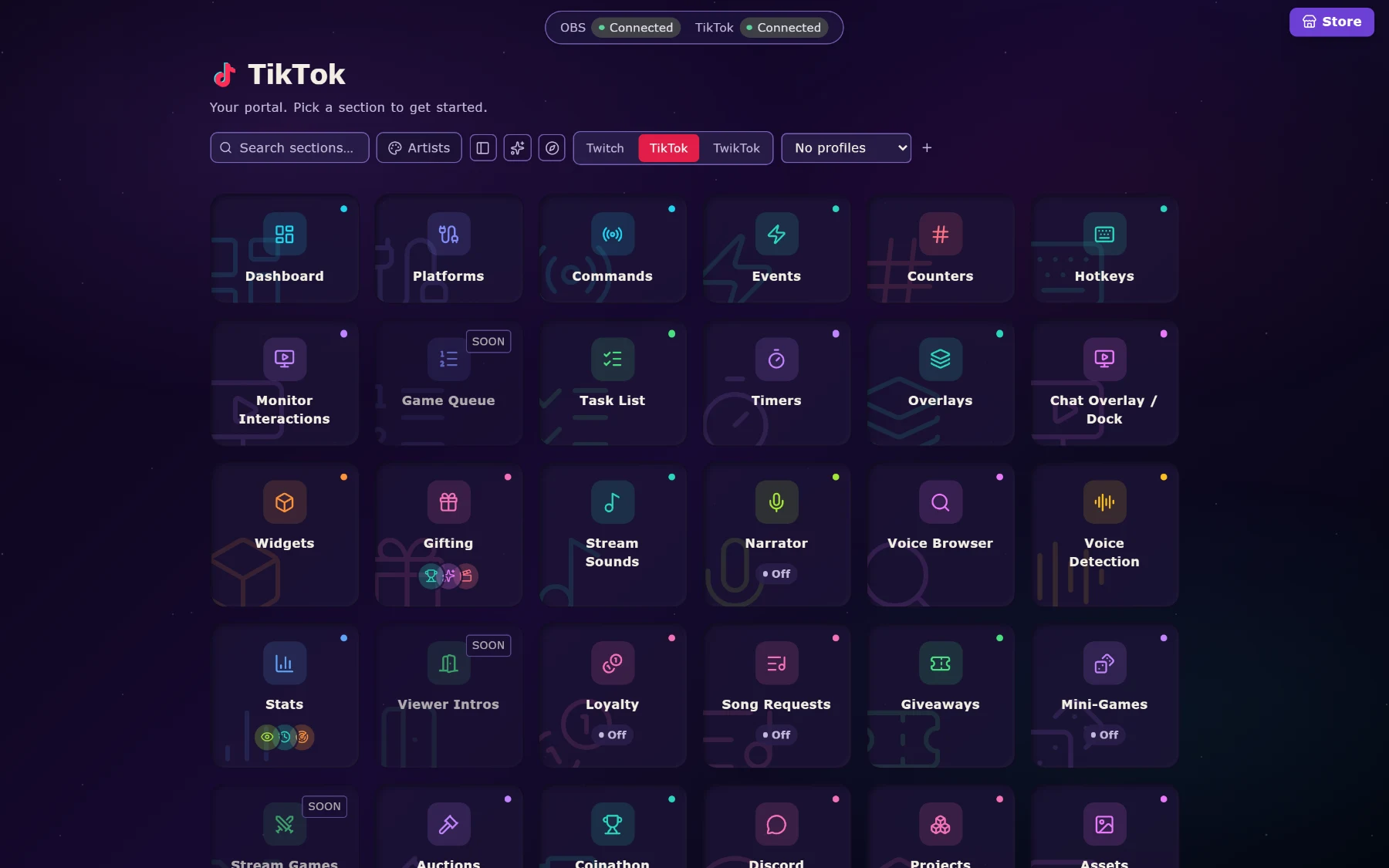
Triggers: the “when this happens” half.
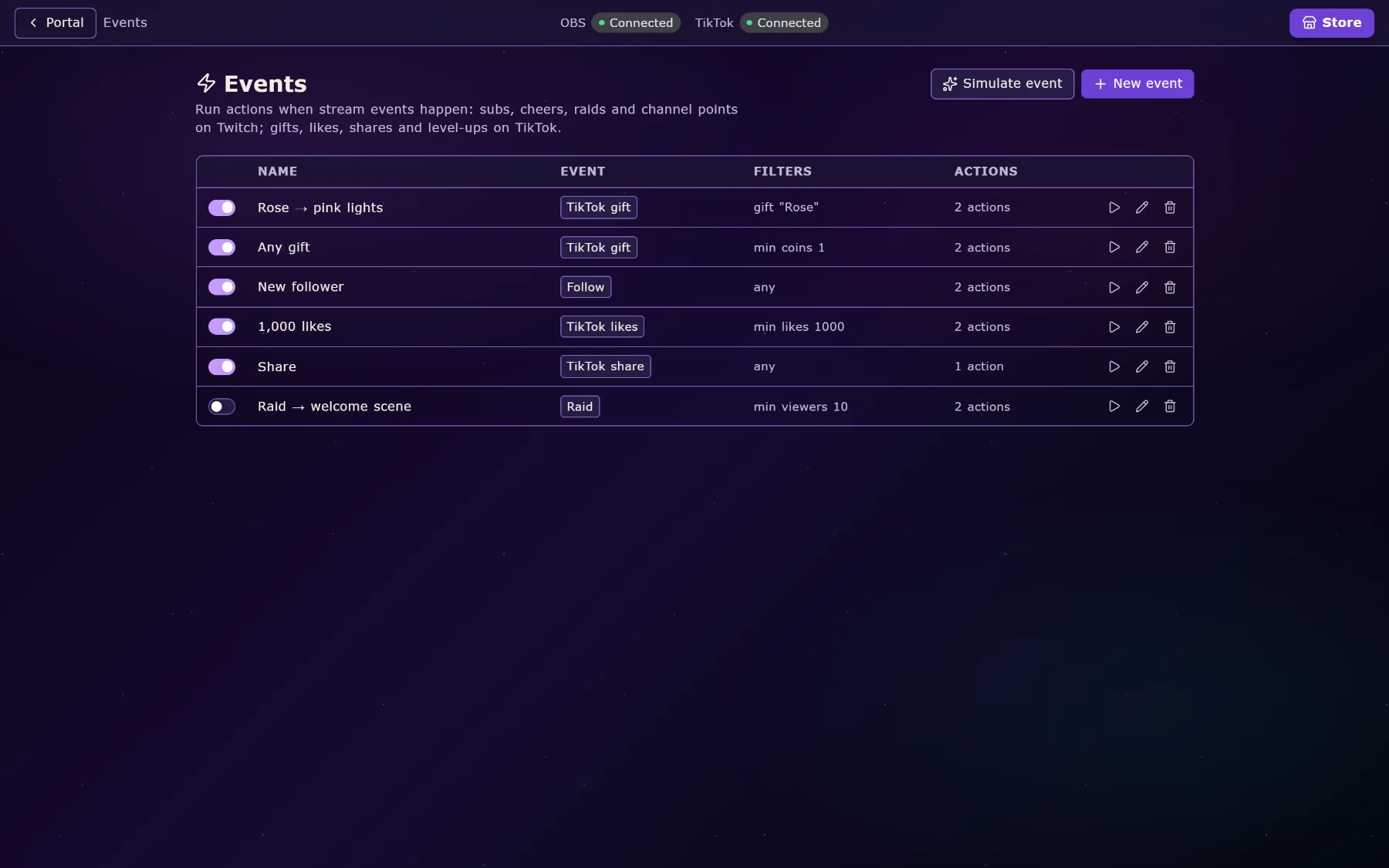
A trigger is anything that can set something off. Power Stream gives you six kinds, and they all feed the same list of actions, so you learn it once.
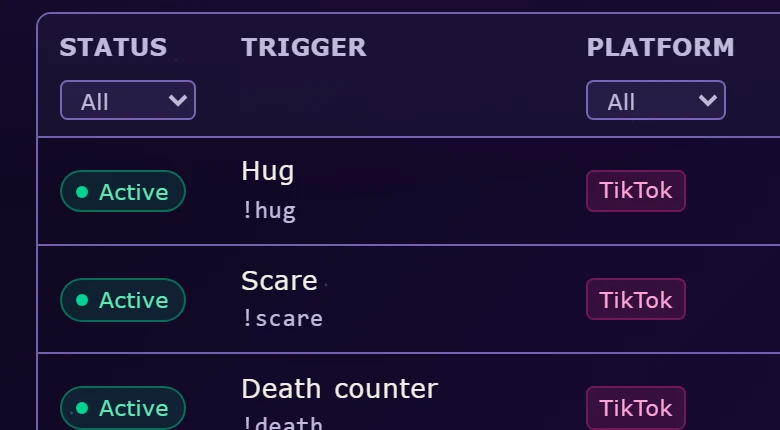
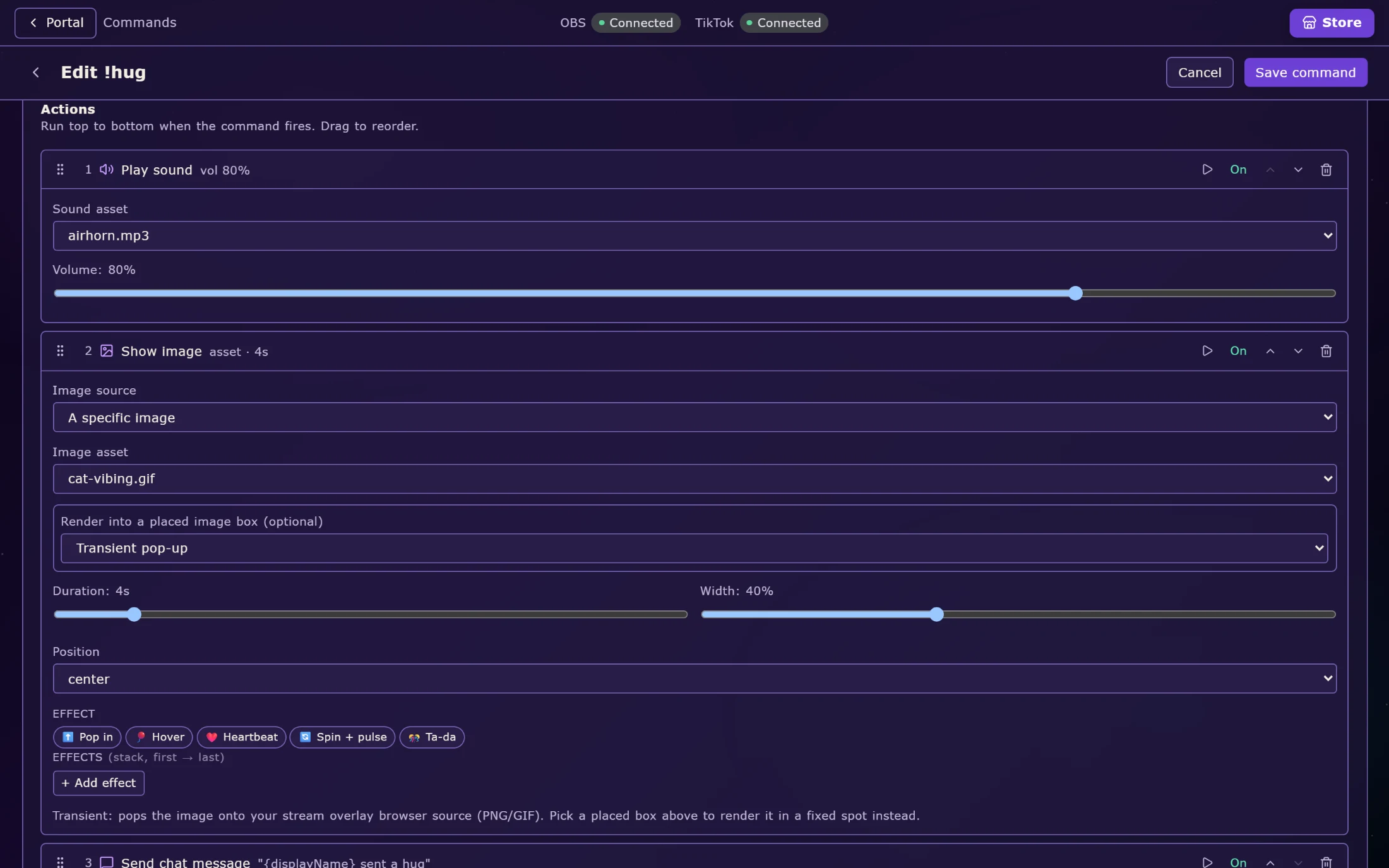
Chat commands are the classic: someone types !discord, something happens. You set who is allowed to use each one — everyone, followers, subs, mods, or a named list — plus a cooldown so it cannot be spammed, and a reply the bot posts back.
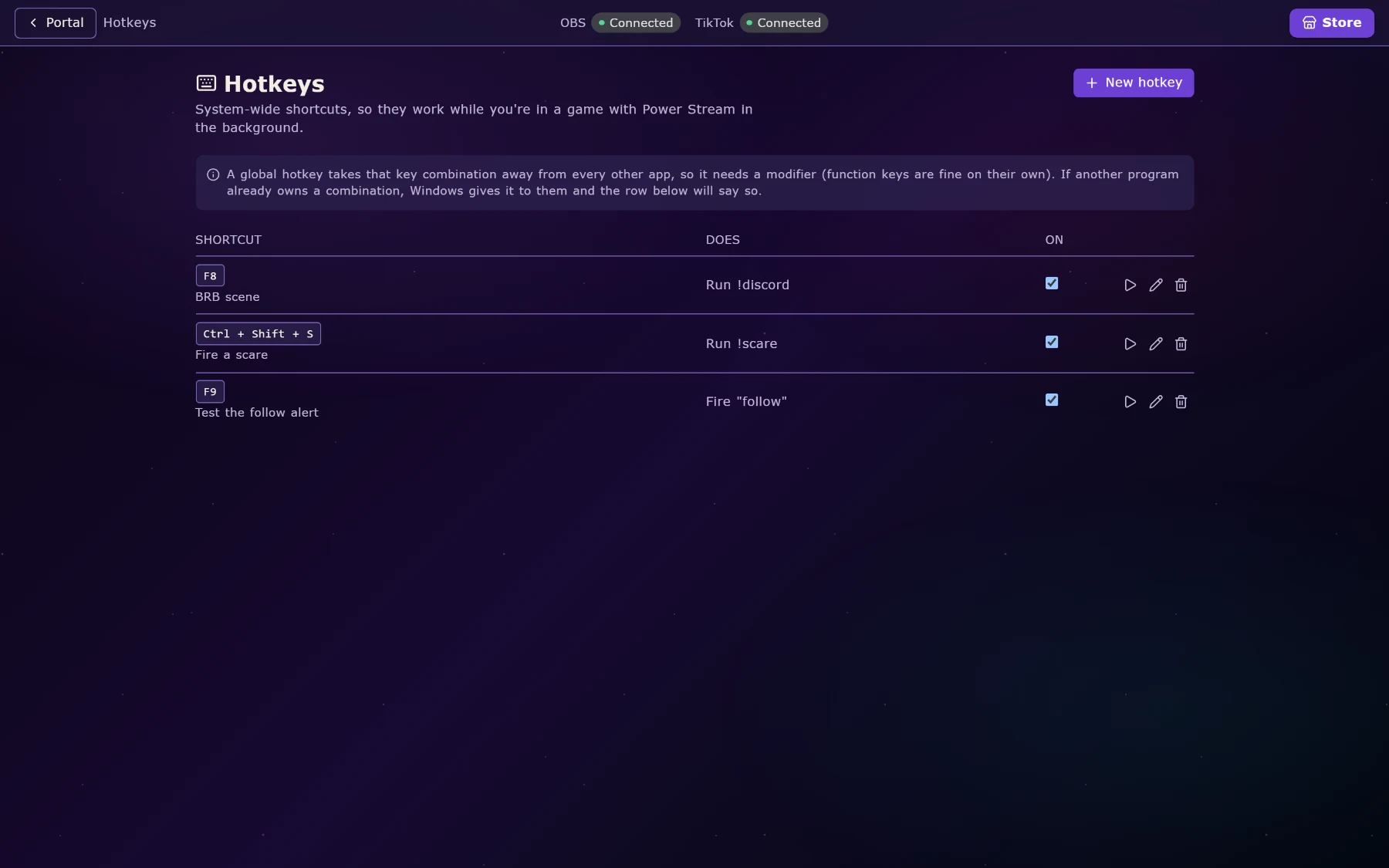
Stream events are the things the platform tells us about: a follow, a sub, a raid, a gift, a like milestone, a new viewer arriving. Channel points covers Twitch redemptions. Counters are numbers you keep across a stream: deaths, wins, times you said the thing. Timers fire on a clock. Hotkeys are for you: a key, or a Stream Deck button, firing the same actions.
Two kinds of overlay — one of them on your actual desktop.
The ordinary kind is a browser source. Power Stream serves a web page on your own machine; you paste that address into OBS or TikTok LIVE Studio and it appears in your scene. Standard, reliable, works with whatever you already use.
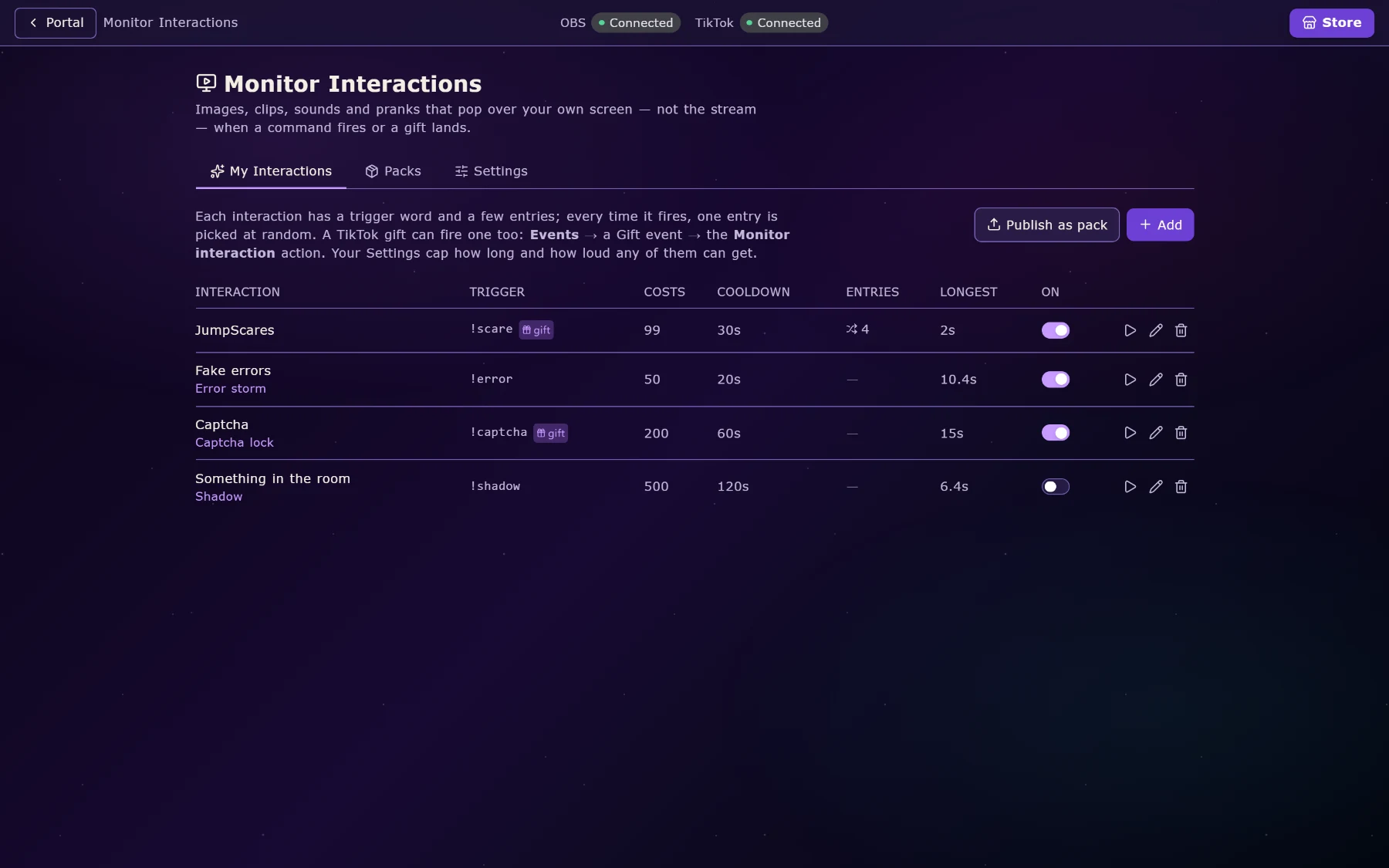
The unusual kind is a monitor overlay. The same layers, drawn straight onto your desktop, on any monitor you choose, floating above your game. They are click-through: your mouse passes through them into whatever is underneath, so a full-screen alert does not cost you the fight you are in. Always on top, across multiple screens, no scene set-up at all.
That second kind is what makes Monitor Interactions possible: a viewer’s gift can drop a fake error window, a captcha, a jump-scare or a shadow across your desktop, and you have to deal with it while playing. It is the bit that makes people gift again.

The overlay editor.
A canvas at your real stream resolution, with layers you drag, resize and stack. A layer can be an image, an animated GIF, a short video with its own audio, a block of text, one of twenty-five shapes, or a live widget.
Text gets a curated font list plus any font you own. Layers get entrance and exit animations, timed reveals, and chroma-key if you are dropping in a green-screen clip. There is a fullscreen preview on Escape, and everything is saved per profile, so your TikTok layout and your Twitch layout do not fight.
Groups make an overlay react: a group of layers shows only when an event fires (a gift, a level-up, a raid) and they join the group’s animation together.
Widgets that read your stream live.
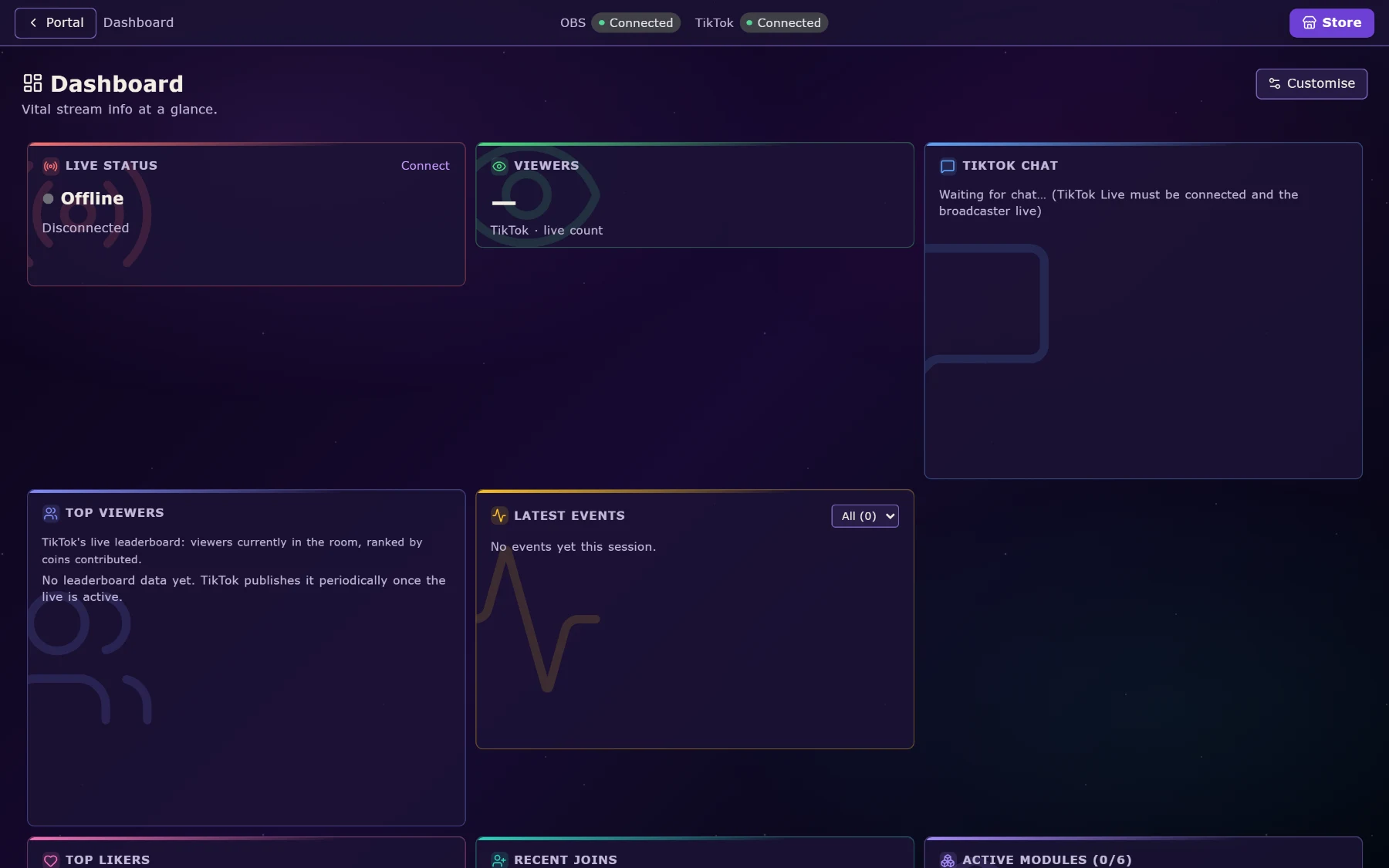
A widget is a layer that knows what is going on. Drop it on the canvas and it fills itself in.
Goals: a plain bar, or a jar with a real physics engine where every gift is an object that falls in, piles up and settles. Leaderboards for top gifters, likers or chatters, with profile pictures, including a compact style and a flyout that curves the value around the avatar. Alerts for follows, subs, gifts and raids. Last-X pins for your most recent follower, gifter, sharer and subscriber. An entrance banner when someone arrives. A camera frame that cuts your webcam into a shape. End credits that roll everyone who showed up. A heart-rate readout if you wear a monitor. Song queue, Discord speakers, timers, counters, task lists, rank badges, and more.
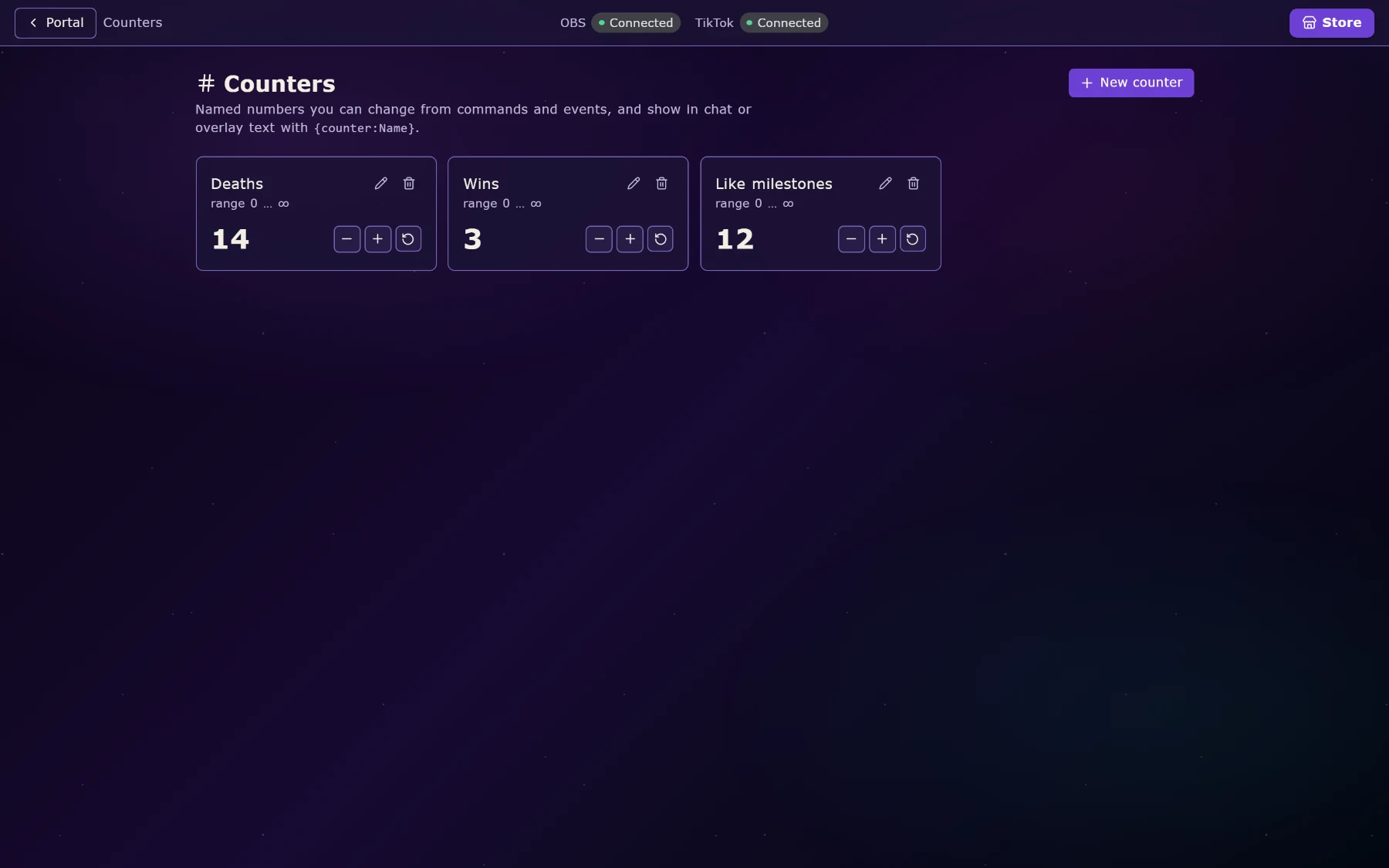
{counter:Deaths}.TikTok gifts, taken seriously.
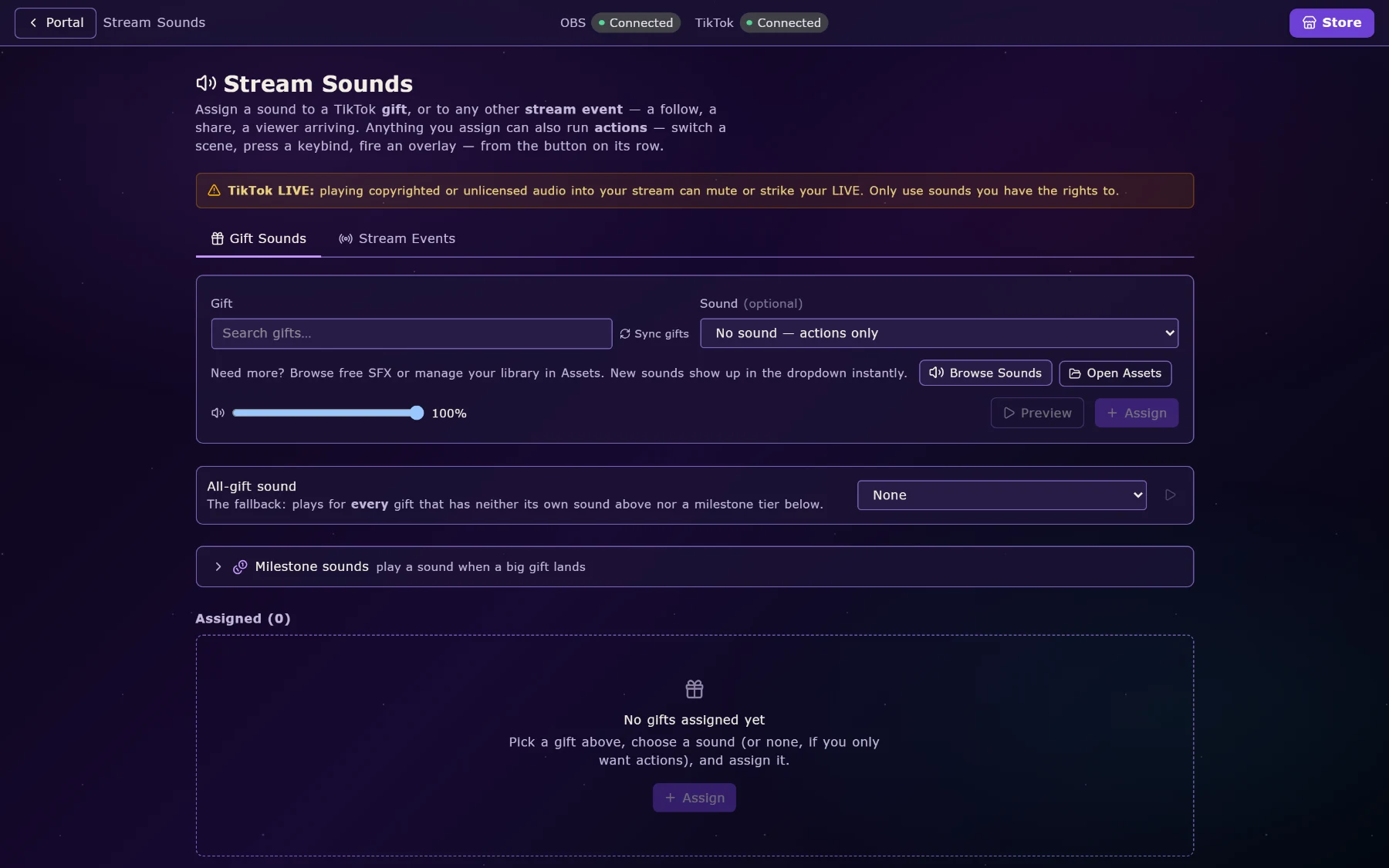
Power Stream ships knowing over 1,700 TikTok gifts by name, coin value and icon, including seasonal ones, so a gift picker is a searchable list of real gifts rather than a box where you type an ID.
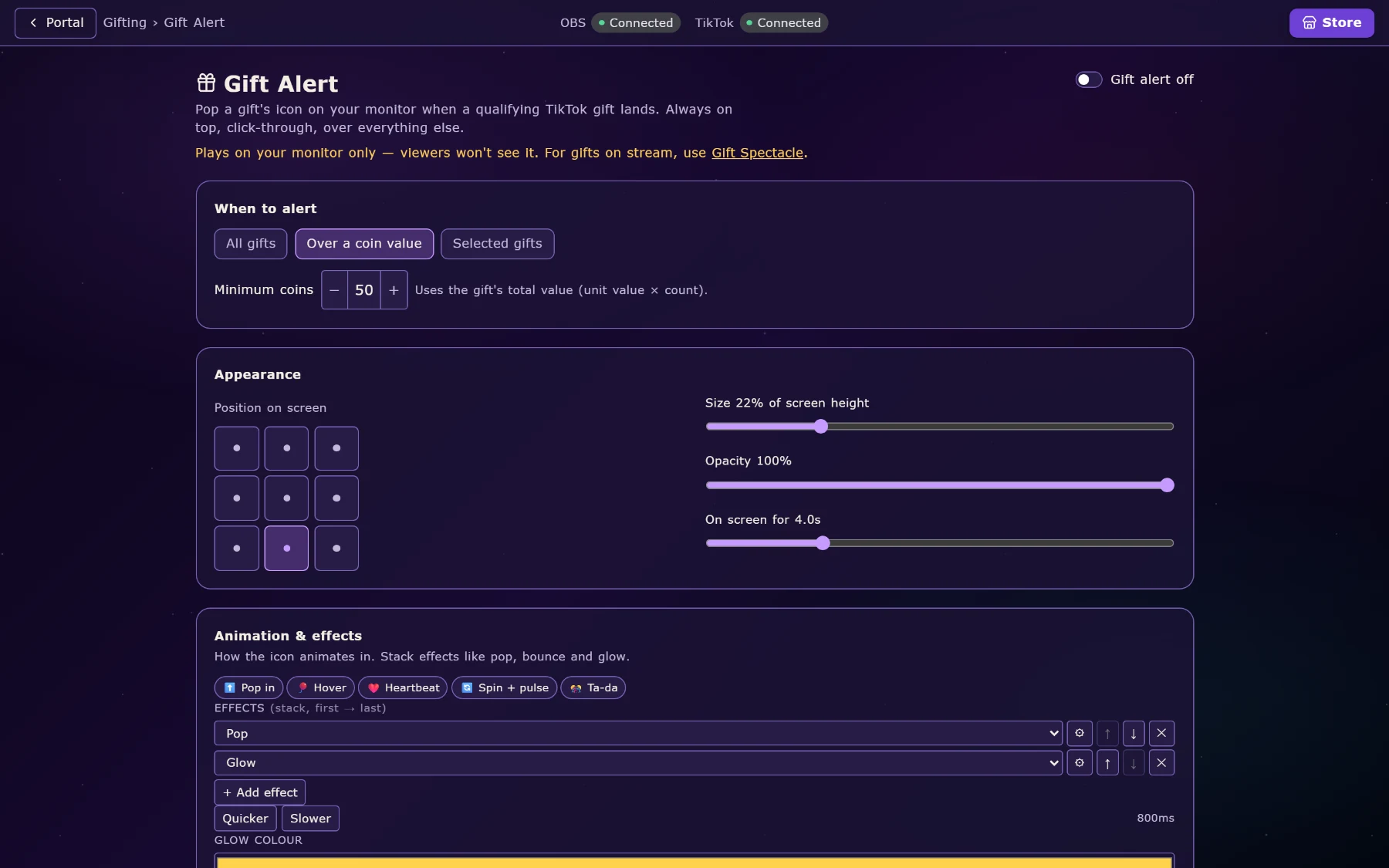
Gift sounds map any gift to any sound. Gift alerts put it on screen. Gift Spectacle plays the full-screen effect. Gift records keeps the history (who gave what, when, and how much) with a monthly view and an all-time view. Themed leaderboards can count only the gifts you choose, so a “Roses only” board is a board.
Combos are handled properly: a streak of the same gift settles into one event rather than fifty, so your alerts do not queue up for a minute after a whale.
The voice.
The Narrator reads your stream out loud: messages, gifts, follows, whatever you point it at. Two sources of voice: TikTok’s own voices, and voices from the marketplace, metered in tokens on the Plus plan. Previews are free; you only spend tokens when a voice actually narrates. There is a voice browser for auditioning, a corrections list so it stops mispronouncing your name, and automatic emotion detection that adjusts delivery to the message.
Voice Detection is the other half: a microphone listener that notices when you start talking and ducks your music and game audio, then brings it back when you stop.
There is also a separate Text To Speech Generator app in the Hub that runs models locally on your own machine (Piper, Coqui XTTS, Kokoro) and a Voice Forge app for training a voice from your own recordings.
Things your viewers play.
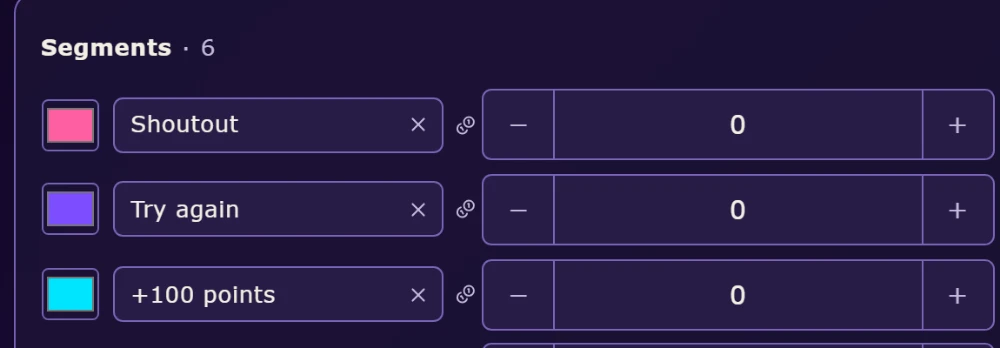
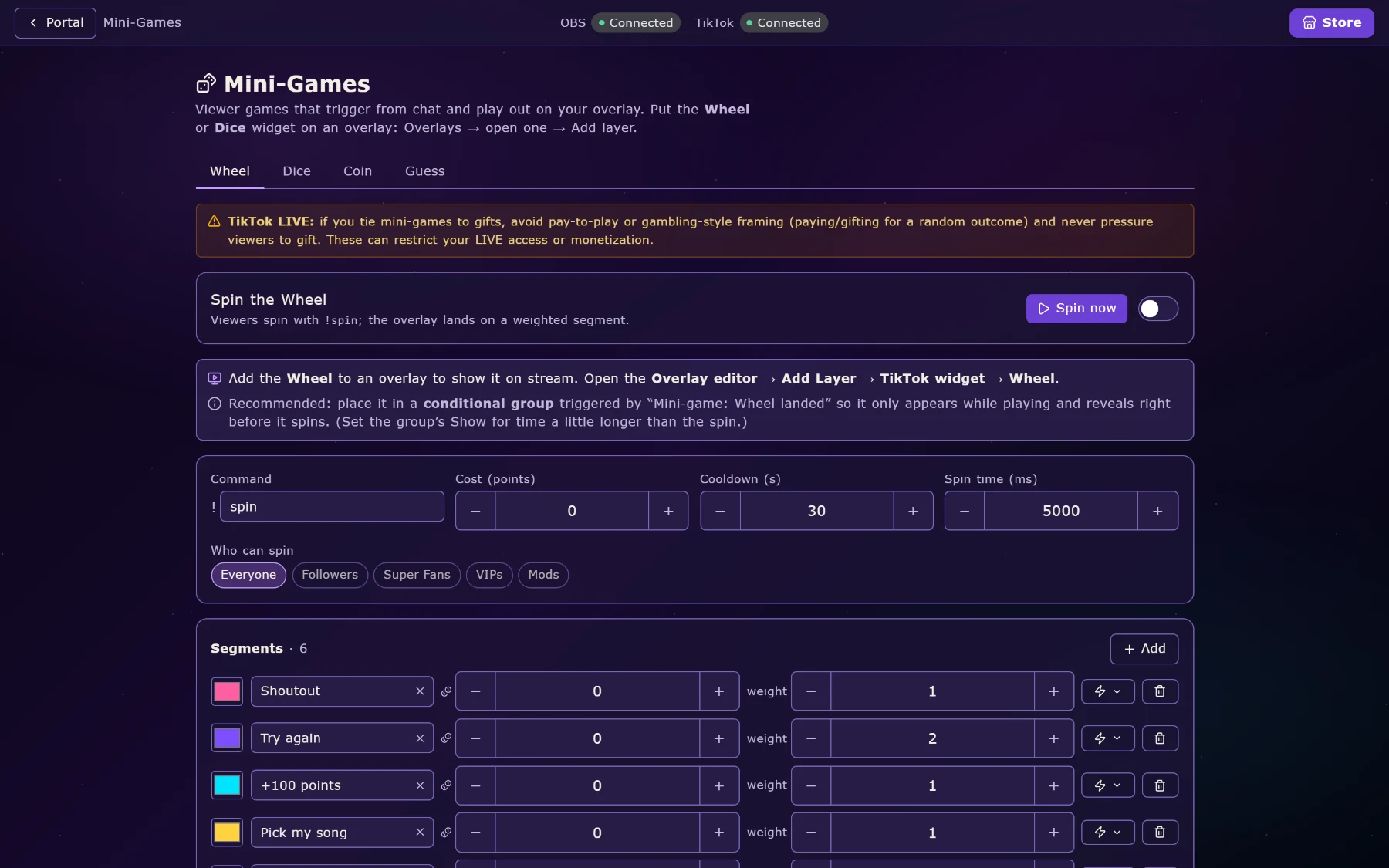
Mini-games: a weighted spinning wheel, dice, a coin flip and a guess-the-number round, all playable from chat and all with their own overlay. Stream Games: eleven larger viewer games, the kind where chat is genuinely playing something rather than typing a command.
Giveaways with keyword or gift entry, weighted draws and a winner reveal that rolls names. Auctions where gifts are bids and the top gifter is the live “king”. Song requests straight into Spotify, either auto-queued or approved by you. A task list your viewers add to and tick off. A game queue for playing with viewers.
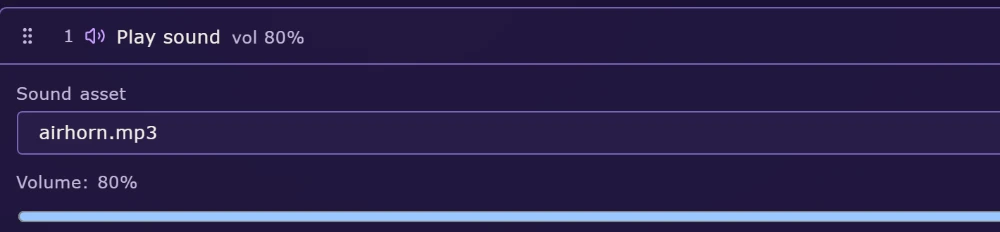
Underneath all of it is Loyalty: points earned for watching, chatting, following and gifting, an XP and level curve on top, and a rewards store where points buy things, each reward firing the same action list as everything else, so “redeem 500 points” can mean “play this sound, show this overlay and turn my lights green”.
Everything it plugs into.
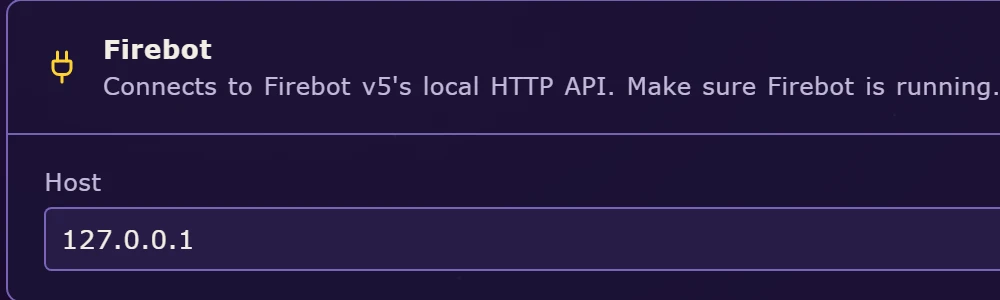
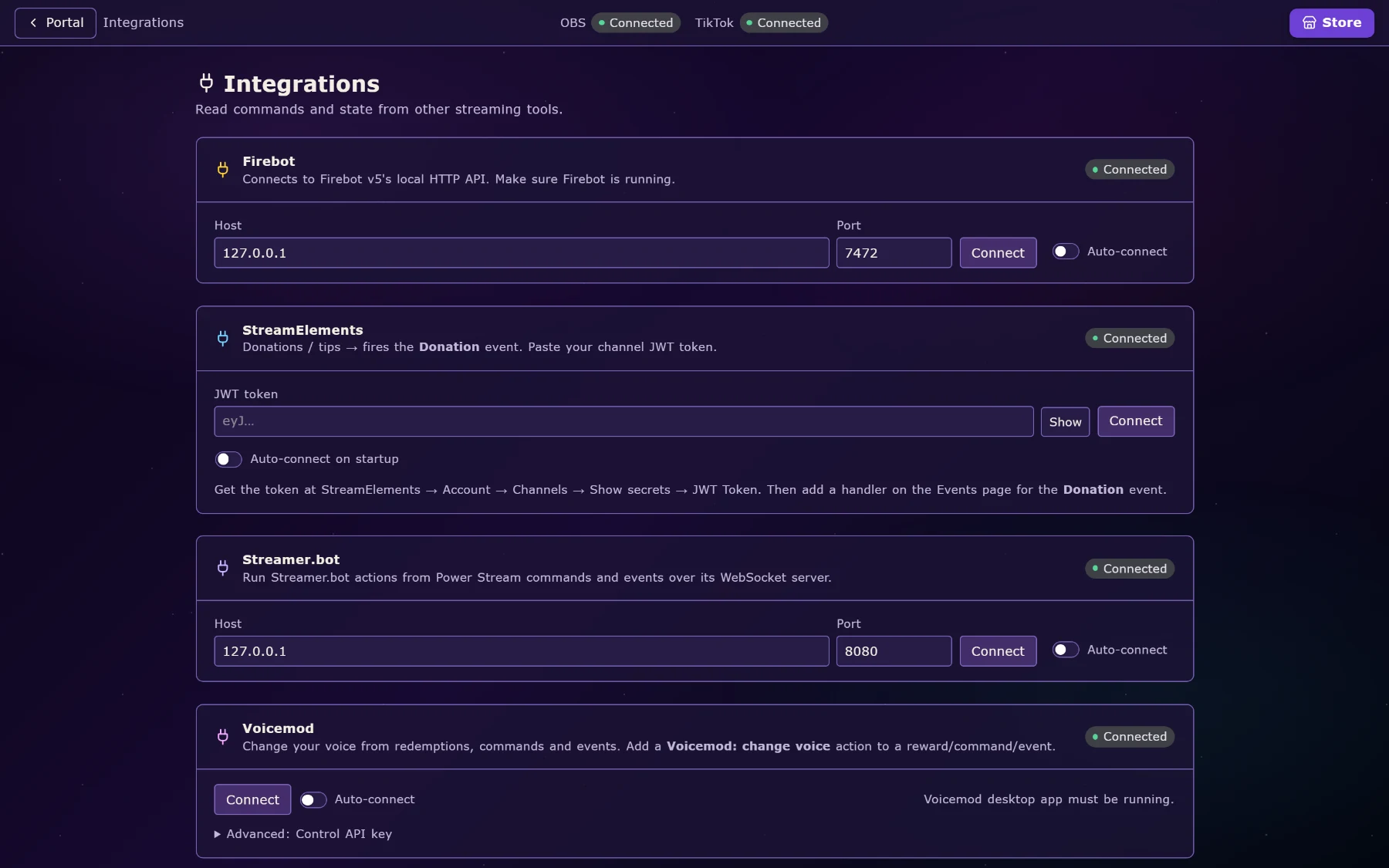
OBS over its WebSocket: switch scenes, toggle sources, and it detects your canvas size so overlays match without you measuring anything. Spotify for now-playing and song requests; any desktop player through Windows media controls. Discord via a bot that posts when you go live, syncs roles to loyalty levels, and shows who is speaking in voice as an overlay. Govee lights over your network, the desktop app, or the cloud, with named scenes you can fire from any trigger. Voicemod for voice changing. Firebot, StreamElements and Streamer.bot if you already run them.
And games. Minecraft Bedrock with no mod at all, and Java servers over RCON. Supermarket Simulator and TCG Card Shop Simulator through purpose-built mods, so chat can mess with your shop. Valorant match state. Palworld live data. Rocket League telemetry — goals and stat feeds as triggers. Key presses for any game with bindable controls.
Other people, and other devices.
Mod Access hands a moderator exactly the parts you choose (commands, or overlays, or the ability to fire things live) and nothing else. They work from their own machine, in their own copy of the app, and you can take it back at any time.
Truly Remote is a web dashboard for your phone. The Truly Hub mobile app handles notifications and approvals. Both use the same account.
Cloud sync keeps your setup across machines, so a new PC is a sign-in rather than an evening of rebuilding. Profiles keep a TikTok setup and a Twitch setup apart, and hot-swap between them.

Your link in bio, included.
Every account gets a page at truly.fyi/yourname: your logo, a bio, buttons to everywhere you stream, and tip buttons for Ko-fi and PayPal. You build it inside Power Stream, or in a browser, and it is free: no second subscription for the thing that holds your links.
There is a private mode too: the page answers only to a secret link while you are still deciding, then goes public when you are ready.
The rest of the Hub.
Power Stream is the reason most people install Truly Hub. These are the other apps that live in it. Add the ones you want.
Console Capture
A low-latency viewer for capture cards. An always-on replay buffer, one-tap 30 and 60 second clips, manual recording, audio passthrough, per-source profiles. Plus.
Text To Speech Generator
Local TTS on your own machine: Piper, Coqui XTTS v2, Kokoro. Other apps, including Power Stream’s narrator, can ask it to speak. Plus.
Voice Forge
Train your own Piper voice from your recordings: auto-transcribe, fine-tune on your GPU, preview, export.
Sakura Slipstream
Workflow automation with a personality: launch apps, control Spotify, switch OBS scenes, adjust audio, and drive the event bus the other apps listen to.
Timer
Attention-grabbing timers with schedules, repeats, effects and sound alerts.
Window Pinner
Pin any window always-on-top, make it click-through, hide its title bar, set its opacity.
Game Overlay Bridge
Switch OBS scenes and sources automatically from Valorant match state.
Save Manager
Automatic backups, profile switching and save cloning for any PC game.
Photo Organiser & Voice Remover
Search photos by what is in them; strip individual players’ voices out of gameplay recordings.