 TRULY HUB
Your chat presses the buttons.
Power Stream turns every message, gift, follow and raid into something on screen, in OBS, in TikTok LIVE Studio, or straight onto your desktop over the game. Inside Truly Hub, on Windows, with Truly Plus.
Truly Plus £9.99 a month, with a 7-day trial.
Truly Hub 2.15.4 · Windows

What it actually is, in plain words.
If you have never used anything like this, here is the whole idea in three sentences.
The Hub is the container.
You install one app. Inside it live the tools: Power Stream, a capture-card recorder, a timer, and a few others. Add the ones you want, ignore the rest. Updates arrive on their own.
Power Stream is the big one.
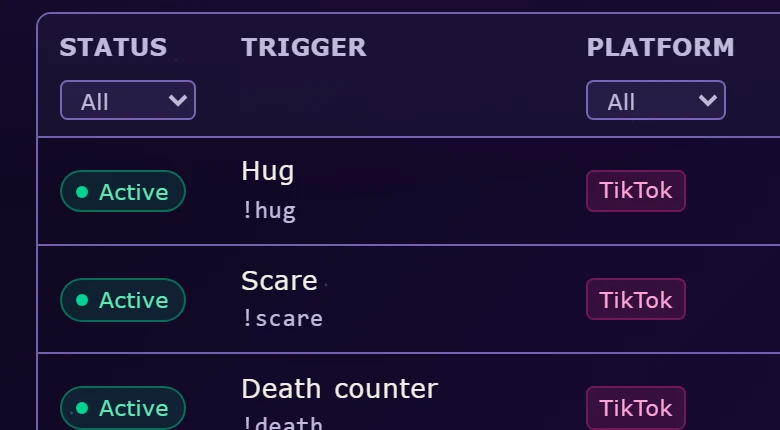
It connects to your TikTok LIVE or Twitch chat and watches everything that happens: messages, follows, subs, gifts, likes, raids. You decide what each of those should do.
You build “when this, do that”.
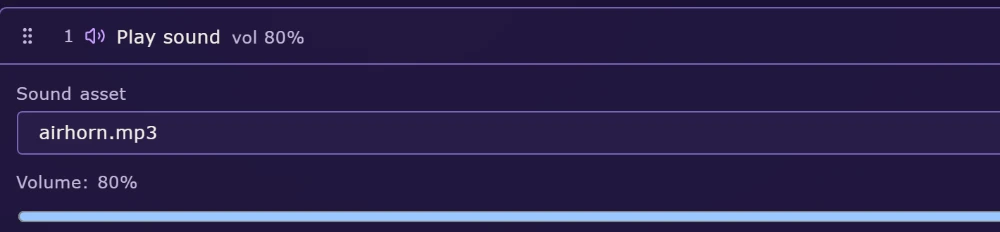
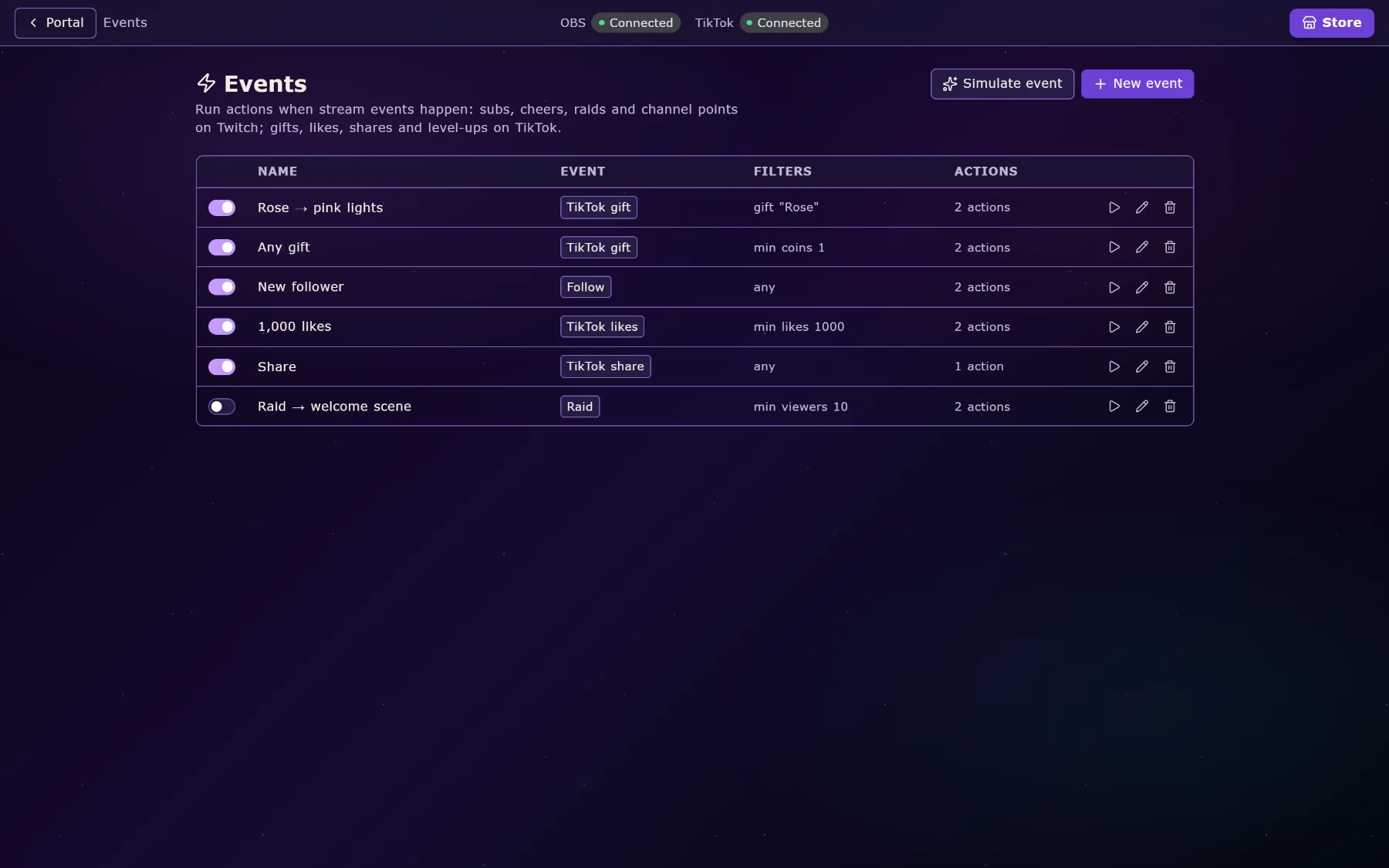
When someone types !hug, play a sound and show a GIF for four seconds. When someone sends a Rose, flash your lights pink. When a sub happens, read it out in a voice you picked. No code, just lists and buttons.
Overlays on your actual desktop, not only inside OBS.
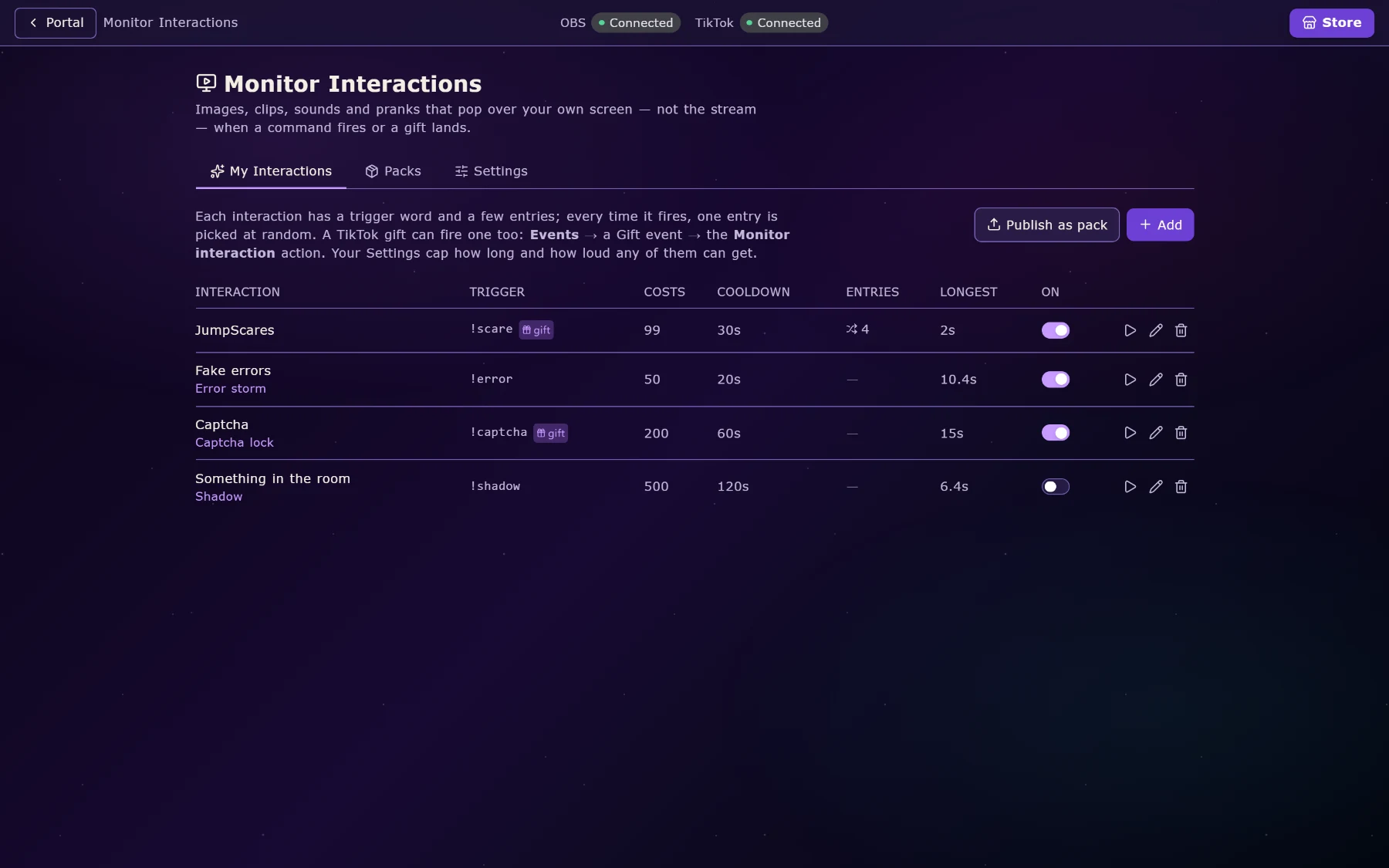
The ordinary kind is a browser source you paste into OBS or TikTok LIVE Studio. The unusual kind is drawn straight onto your monitors, floating above your game, click-through: your mouse passes through it, so a full-screen alert never costs you the fight you are in.
That is what makes Monitor Interactions possible. A viewer’s gift drops a fake error window, a captcha, or a jump-scare onto your screen while you play, and you have to deal with it live.
Both kinds of overlay
Six kinds of trigger. One list of actions.
Chat commands, stream events, channel points, counters, timers and hotkeys all feed the same action list, so you learn it once. An action can play a sound, pop an image, read text aloud, switch an OBS scene, change your lights, bump a counter, wait, post to chat. They run in the order you drag them.
The sequence you built for a gift can be fired by a Stream Deck key when the gift doesn’t arrive.
Every trigger and action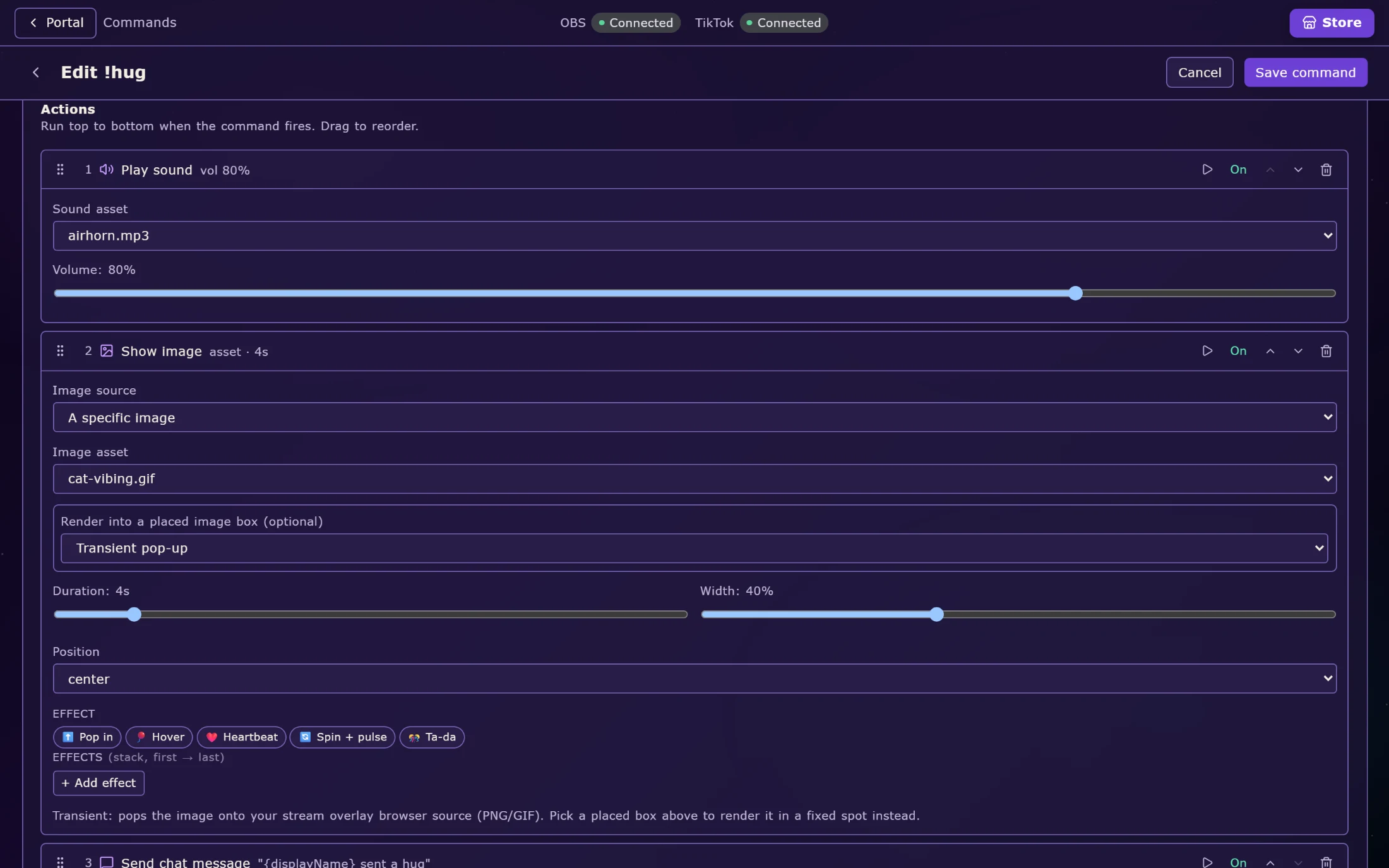
Gifts, follows, likes and raids, taken seriously.
Power Stream ships knowing more than 1,800 TikTok gifts by name, coin value and icon, seasonal ones included, so a gift picker is a searchable list of real gifts, not a box where you type an ID. Roses-only leaderboards are a real board. Combos settle into one event, so a whale doesn’t queue your alerts for a minute.
On Twitch: follows, subs, resubs, gift subs, cheers, raids, channel points, hype trains, polls and predictions.
TikTok gifts, in depth
Things your viewers actually play.
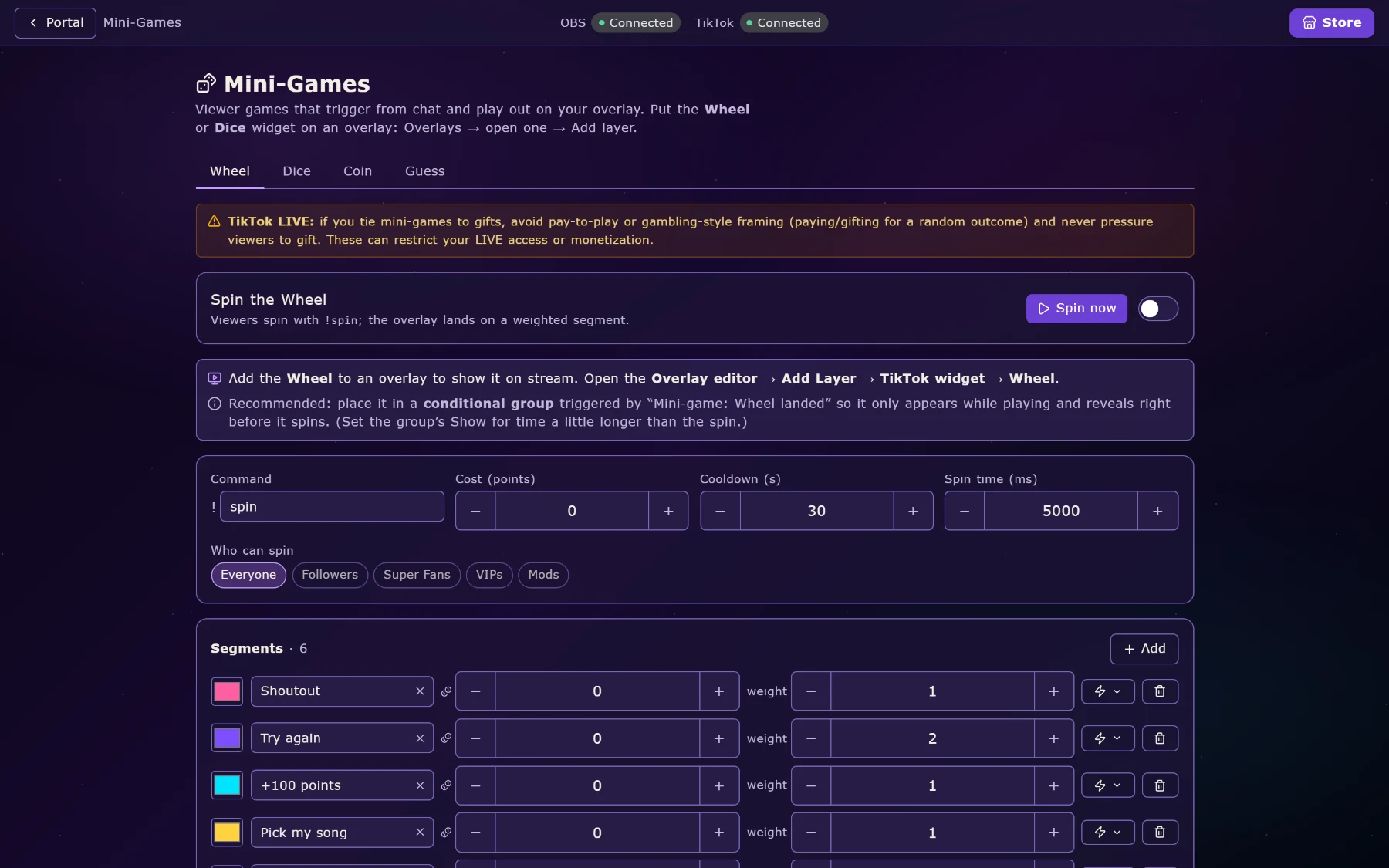
A weighted wheel, dice, a coin flip and guess-the-number, all playable from chat with their own overlay. Eleven larger stream games. Giveaways with weighted draws and a rolling winner reveal. Auctions where gifts are bids. Song requests straight into Spotify. A task list your viewers add to.
Underneath it all: loyalty points for watching, chatting and gifting, an XP curve, and a rewards store where every redemption fires the same action list as everything else.
Games, giveaways and loyalty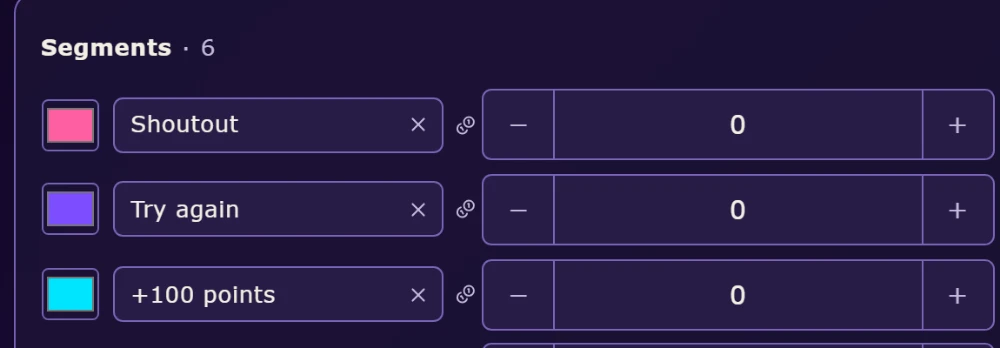
It plugs into what you already use.
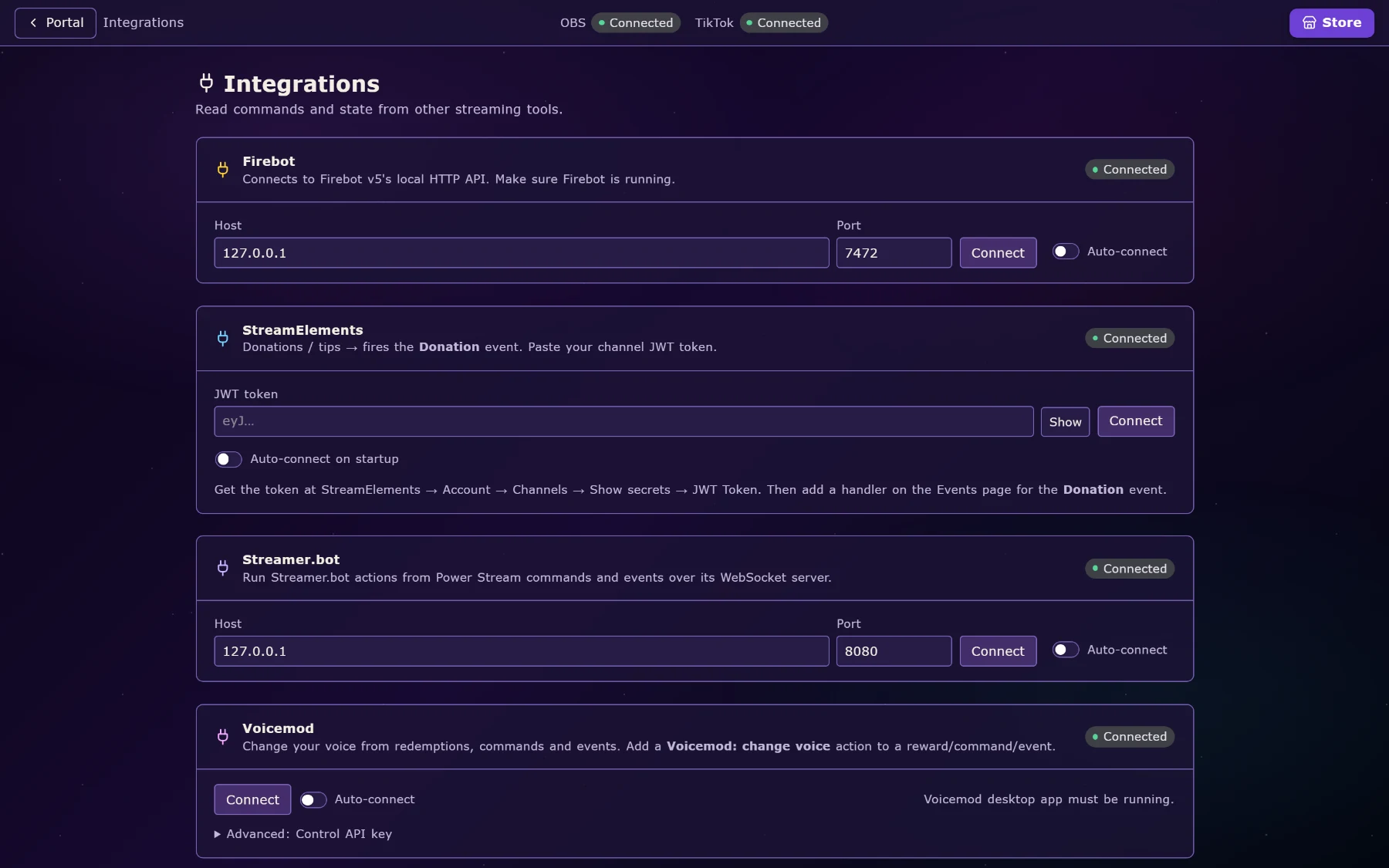
OBS over WebSocket: scenes, sources, and it reads your canvas size so overlays fit without measuring. Spotify for now-playing and requests. Discord for go-live posts, role sync and a speakers overlay. Govee lights three ways. Voicemod. Firebot, StreamElements and Streamer.bot if you are migrating.
And games: Minecraft Bedrock with no mod at all, Supermarket Simulator, TCG Card Shop Simulator, Palworld, Rocket League.
All integrations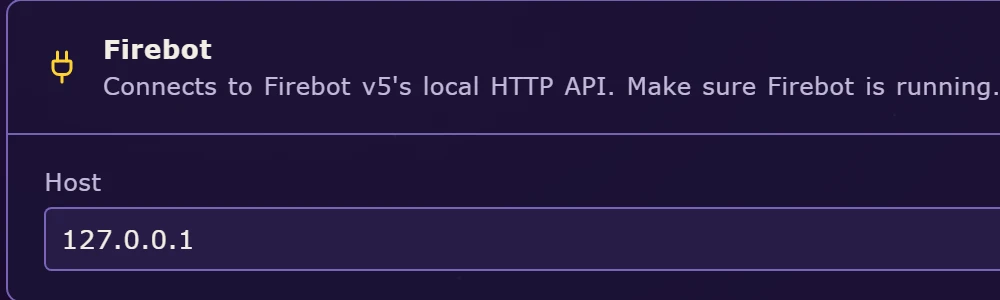
It has to leave room for the game.
A stream tool that costs you frames is a stream tool you turn off. This is the part most feature lists skip, so here is what was actually done about it.
Heavy work is off the main thread.
Reading a game’s live memory and writing your viewer database happen on worker threads. Moving them took one game’s worst-case pause from about two seconds to about thirty milliseconds.
GIFs are decoded once.
Decoded once, downscaled to the size they actually render, held in a memory-capped cache, so ten alerts using the same GIF cost one GIF.
Logs never touch the disk mid-alert.
Writes are buffered and files rotate, so a gift storm is not thousands of disk touches landing in your alert queue.
Overlays only hear what concerns them.
Updates are scoped and the snapshot is prepared once and shared. Ten browser sources cost roughly what one used to.
It tells you when it’s struggling.
The app measures its own event-loop lag and how stale each feed is, so “chat feels laggy” becomes a number with a cause.
Nothing dies quietly.
Dropped connections are re-established, ports held by a crashed copy are reclaimed, and failures surface in the app rather than in a log you never open.
How it compares.
The honest version. TikFinity and BetterTok are both good at what they do; if you only stream on TikTok, look at them too. Prices and features are as advertised publicly in September 2026 and change often.
| Capability | Power Stream | TikFinity | BetterTok |
|---|---|---|---|
| Platforms | TikTok and Twitch, at the same time | TikTok-focused | TikTok only |
| Overlays in OBS / LIVE Studio | Yes | Yes | Yes |
| Click-through overlays on your desktop | Any monitor, over your game | Not offered | Not offered |
| Viewers interacting with your desktop | Fake windows, captchas, stickers, key presses | No | No |
| Game integrations | Minecraft, Supermarket Sim, TCG Card Shop, Palworld, Rocket League | Some, via community setups | Some |
| Smart lighting | Govee, three ways to reach the bulbs | Via third-party bridges | Via third-party bridges |
| Text to speech | TikTok voices, and marketplace voices on Plus | Included | Browser and standard cloud voices |
| Handing part of your setup to a mod | Per-feature, revocable, from their own machine | Limited | Limited |
| Link-in-bio page | Included free at truly.fyi/yourname | No | No |
| Advertised price | Plus £9.99/mo, 7-day trial | Around $19/mo at the top tier | $9.99/mo or $99.99/yr |
Where they win.
BetterTok has a browser extension and a very large ready-made overlay library, a real head start if TikTok is your only platform. TikFinity has been around longer and has a big community of shared setups. Neither is nothing.
Where we win.
Two platforms from one setup. Overlays on your actual desktop. Deep hooks into specific games. Lights. Local voices. Handing a mod exactly one feature. A link page thrown in.
The honest caveat.
Truly Hub is Windows-only today. If you stream from a Mac, none of this helps you yet, and we would rather say so here than let you find out after the download.
What streamers say.
Written inside Power Stream after real streams and approved for display. Never edited, never written by us. All reviews
What it costs.
Truly Hub is free. Power Stream and Console Capture are Plus apps: £9.99 a month, with a seven-day trial to find out whether they are for you.
Free
- Truly Hub itself, with updates
- The free apps: Timer, Sakura Slipstream, Window Pinner, Save Manager, Game Overlay Bridge, Photo Organiser, Voice Remover
- Your truly.fyi link page
- A seven-day Plus trial, started in the app
Truly Plus
- Power Stream: commands, events, both kinds of overlay, gifts, voices, viewer games, integrations
- Console Capture
- Cloud sync across all your machines
- Marketplace voices, metered in tokens
- Truly Remote and the mobile app
- Priority support
Prices in pounds, billed monthly. Exact tier contents are set in the app and may change as things move between free and paid.
The things people ask first.
Do I need OBS?
No. Overlays work as a browser source in OBS or TikTok LIVE Studio if you use one, but the desktop monitor overlays need neither; they draw straight onto your screen. Plenty of people run the whole thing with TikTok LIVE Studio and nothing else.
Is my TikTok or Twitch account safe?
You sign in the normal way each platform provides, and the app only ever does what you configure. Your account details are stored encrypted on your own machine. A Truly account is separate; it exists to sync your setup.
What do I need to run it?
Windows 10 (version 2004 or newer) or Windows 11, 64-bit, on a PC already able to stream: a quad-core CPU, 8 GB of RAM and a GPU with hardware encoding is the floor for Power Stream. The full requirements cover the Hub with every app installed too.
Will it slow my game down?
That is the design constraint, not an afterthought. Heavy work runs on separate threads, media is cached rather than re-decoded, and the app measures its own lag and tells you when something is wrong.
Can my mods help run it?
Yes. You grant a moderator specific parts, say commands and overlays but nothing else, and they work from their own machine in their own copy of the app. You can revoke it at any time.
Does it work on Mac or Linux?
Not today. Windows only. Some parts are Windows-bound by nature, such as the desktop overlays and window control; most are not, and a port is a question of build work rather than a rewrite.
What happens to my setup if I get a new PC?
With cloud sync on, you sign in and it comes back: commands, overlays, sounds, loyalty, the lot. Without it, there is a backup file you can carry across.
Is Power Stream free?
No. Truly Hub is free, and so are the apps in it that are not stream tools. Power Stream and Console Capture are Plus: £9.99 a month, cancel whenever you like. Every verified account gets one seven-day trial, started from inside the app, so you can set a stream up and run it before paying anything.
Do I have to pay to use the link page?
No. Any verified Truly account gets truly.fyi/yourname free, with tip buttons and follow links, whether or not you ever use Power Stream.